

TL;DR:
- Free AI and 3D tools enable you to design personalized, photorealistic rings online without prior experience or cost.
- Preparation, clear decision-making, and focusing on timeless features ensure your design remains meaningful and wearable.
You want a ring that means something. Not a display case pick, not someone else’s idea of beautiful — yours. The good news is that you can now design a ring online free, right from your couch, with zero design experience and zero upfront cost. Free AI-driven tools can produce photorealistic custom engagement ring concepts in under 60 seconds. This guide walks you through which tools to use, how to prepare, what steps to follow, and how to avoid the mistakes that turn dream rings into design regrets.
Table of Contents
- Key Takeaways
- How to design a ring online free with today’s tools
- What to decide before you open a design tool
- Step-by-step: designing your ring with free AI and 3D tools
- Common mistakes and how to avoid them
- What to do after you have your design
- My honest take on designing rings online
- Ready to bring your design to life?
- FAQ
Key Takeaways
| Point | Details |
|---|---|
| Free tools are genuinely capable | AI ring creators generate photorealistic variations instantly, requiring no design skills or credit card. |
| Preparation prevents costly pivots | Deciding on metal, stone shape, and setting style before you open a tool saves hours of backtracking. |
| Visualization is not production | Online tools create stunning previews, but a professional CAD artist converts them into manufacturing files. |
| Simplicity wins long-term | Timeless bases with small personal details outlast bold trends and stay meaningful for decades. |
| Share your design before you commit | Export your design preview and review it with a jeweler to align expectations before any money changes hands. |
How to design a ring online free with today’s tools
The phrase “design your own ring” used to mean booking a jeweler, paying a design consultation fee, and hoping the sketch matched your vision. Today, free ring creator tools have removed every one of those barriers. AI jewelry design apps let you generate multiple photorealistic ring variations instantly using natural language prompts or guided questions, with interactive 3D models you can rotate and inspect in real time.
There are three main categories of free tools worth knowing:
- AI text-to-design generators. You type a description like “oval moissanite, rose gold, vintage milgrain band” and the tool renders a photorealistic concept. No clicks through endless menus. Great for creative, free-form users.
- Interactive 3D ring configurators. These guided builders let you select setting style, metal color, stone shape, and band width from dropdown menus. The model updates instantly. Ideal if you prefer structured choices over blank prompts.
- Guided question workflows. Some tools ask a series of preference questions — occasion, style keywords, stone preference — and generate a curated set of matching designs. Perfect for anyone who feels overwhelmed starting from scratch.
Here is a quick comparison of what these tool types offer:
| Feature | AI text-to-design | 3D configurator | Guided workflow |
|---|---|---|---|
| Requires design experience | No | No | No |
| Real-time 3D rotation | Sometimes | Yes | Sometimes |
| Unlimited free variations | Yes | Yes | Limited |
| Export/download options | Yes | Yes | Usually |
| Manufacturing-ready files | No | No | No |
One thing every free tool shares: they produce visualization models, not production files. A professional CAD artist is needed to create technical manufacturing files from anything generated online. Keep that distinction clear and you will not be surprised later.
The cost benefit is real, too. Using free AI jewelry tools saves 20 to 40 percent compared to retail stores by cutting showroom overhead entirely. You only spend money when you decide to produce the ring.
What to decide before you open a design tool
Jumping into online jewelry design free of preparation is the fastest route to design fatigue. Spend 20 minutes answering these questions before you touch a single tool and the design session will be twice as productive.
Nail down the ring type and purpose. An engagement ring carries different weight than a statement ring or a wedding band. The occasion shapes every other choice. A solitaire engagement ring calls for a clean, focused design. A right-hand statement ring can handle more personality.
Choose your core elements in advance:
- Metal type: Yellow gold reads warm and classic. White gold and platinum read modern and cool. Rose gold sits between the two. Each interacts differently with stone color.
- Stone shape: Round brilliants maximize sparkle. Ovals and cushions look larger per carat. Emerald cuts show clarity but reveal inclusions. Princess cuts are geometric and sharp.
- Setting style: Prong settings let light in and maximize brilliance. Bezel settings protect the stone and read minimal. Pavé settings add texture and shimmer along the band.
- Band width: Slimmer bands (1.5 to 2mm) read delicate. Wider bands (3mm and up) read bold and structural.
Gather inspiration before you design. Screenshots from Pinterest, saved photos, even rings you have admired on others — collect five to ten images before opening a free ring creator tool. This prevents mid-session decision paralysis and gives AI tools better raw material to work with when you type your prompt.
Small intentional details like hidden engravings add meaningful individuality without overwhelming the design. Think about whether a date, initial, or phrase on the inside of the band matters to you. Decide now, not at the end.
Pro Tip: Write your design brief in one sentence before you start. Something like: “Vintage-inspired oval sapphire, yellow gold, scalloped band, under $3,000.” That sentence becomes your filter for every decision the tool throws at you.
Step-by-step: designing your ring with free AI and 3D tools
Follow this process and you will finish a session with a design you are genuinely excited about, not one you defaulted to out of exhaustion.
-
Choose your tool type. If you have a clear vision, start with an AI text-to-design tool and type your one-sentence brief directly into the prompt field. If you feel uncertain, open a 3D configurator and work through the menus. Guided and prompt-driven modes cater to different users: beginners benefit from structured workflows, while creative users enjoy freeform text input.
-
Input your design brief. Be specific. “Rose gold halo ring with round center stone” produces a generic result. “1.5ct round moissanite, 14k rose gold, double halo, thin pavé band” produces something precise. Add style keywords: art deco, minimalist, vintage, architectural.
-
Review your first render. Rotate the 3D model fully. Check how the setting looks from the side, how the stone sits above the band, and whether the proportions match your mental picture. Interactive 3D configurators update models in real time, allowing full rotation and inspection.
-
Run at least three variations. Change the metal. Swap the stone shape. Try a different setting. AI-powered ring builders enable you to explore countless variations quickly, building confidence in your final choice. What you think you want at the start often shifts after seeing alternatives.
-
Refine and lock your favorite. Once you have a design that stops you scrolling, make small adjustments. Tweak band width, add or remove pavé detail, adjust prong count. These micro-changes are where a good design becomes a great one.
-
Download and label your outputs. Save your design renders with descriptive file names: “oval_moissanite_yellow_gold_bezel_v3.jpg” is far more useful than “ring_final (2).jpg.” You will send these files to jewelers, so clarity matters.
Pro Tip: Screenshot the exact settings panel alongside your render. If you change tools or share your design with a jeweler, having the exact metal code, stone shape, and setting name saves a frustrating game of “what were those specs again?”
Common mistakes and how to avoid them
Even with the best preparation, a few predictable traps catch people in the design process. Here is what to watch for.
- Over-complicating the design. Adding a halo, plus micropavé, plus twisted band, plus floral gallery detail in a single ring creates visual noise. Each element competes. Pick two standout features and let them breathe.
- Chasing trends you cannot commit to. Black rhodium plating, asymmetric settings, and ultra-geometric shapes cycle through popularity. Avoiding overly trendy elements focuses on balance between timelessness and personal character. Ask yourself: will this still feel like me in 20 years?
- Ignoring real-world wearability. A ring that photographs beautifully in a render can snag on fabric, sit uncomfortably high on the finger, or chip a delicate stone setting in daily wear. Think about your lifestyle. Do you work with your hands? A bezel setting protects stones far better than high prongs.
- Skipping the side profile check. Most people evaluate rings from the top. The profile view reveals how tall the ring sits off the finger, which affects both comfort and how it stacks with other rings.
- Assuming the render equals the final product. The photorealistic image is a communication tool, not a guarantee. Technical control is critical alongside design vision for quality results. That is why a skilled jeweler’s input remains irreplaceable.
“The most lasting rings are the ones where the wearer’s personality shows up in small, deliberate details — not in a maximalist design that overwhelms the hand.”
What to do after you have your design
You have a render you love. Now what? This stage is where many people stall, so here is a clear path forward.
| Next step | What it means in practice |
|---|---|
| Export design files | Download all render images and note your exact specifications (metal, stone, setting). |
| Get a professional CAD file | Share your renders with a jeweler or CAD artist to create production-ready technical files. |
| Request a wax or resin preview | Many jewelers can 3D print a physical model from the CAD file so you can check sizing and proportion before casting. |
| Confirm stone sourcing | Discuss whether your chosen stone shape and size is available in your preferred material (lab-grown, moissanite, natural). |
| Set a production timeline | Custom rings typically take four to eight weeks from approved CAD to finished piece. Plan accordingly for engagements or weddings. |
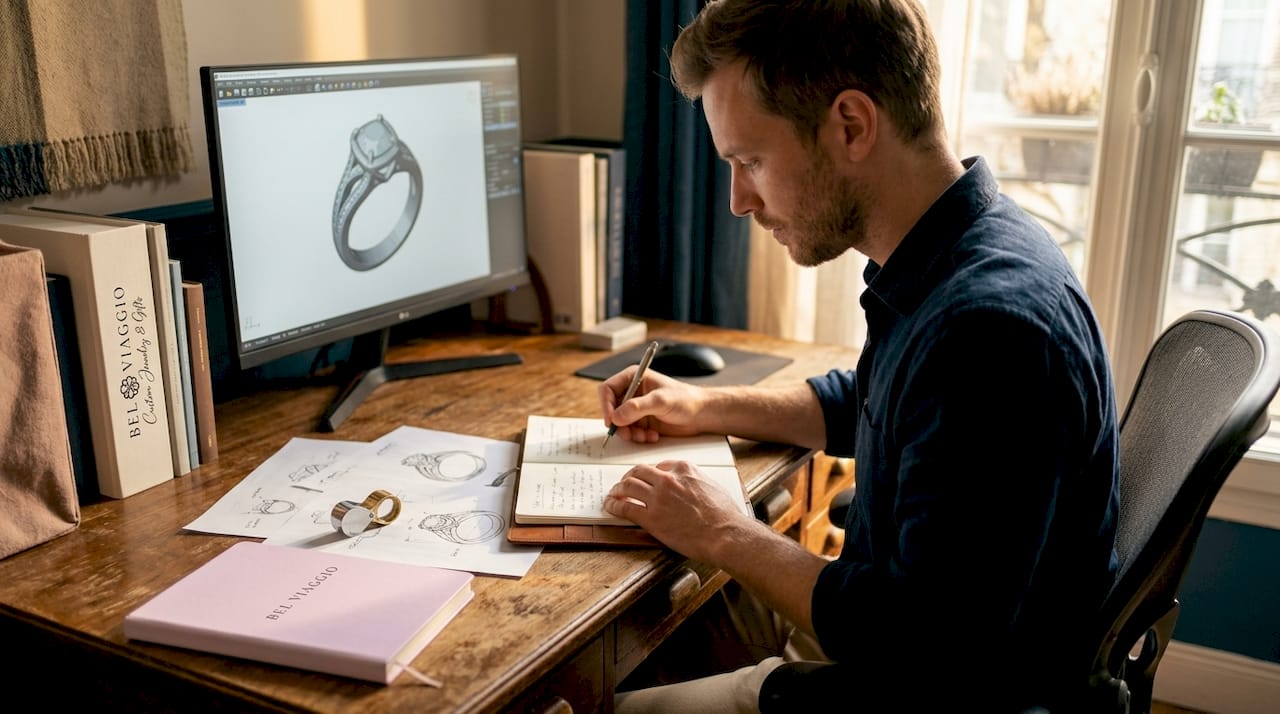
The key insight here: 3D ring design tools act as pre-CAD decision aids, enabling visual confirmation that reduces costly back-and-forth with jewelers. Clients and jewelers review and finalize specifications collaboratively using real-time models. Arrive at your jeweler consultation with your renders, your spec notes, and your budget written down. That meeting will be a confirmation conversation rather than a discovery session starting from zero.
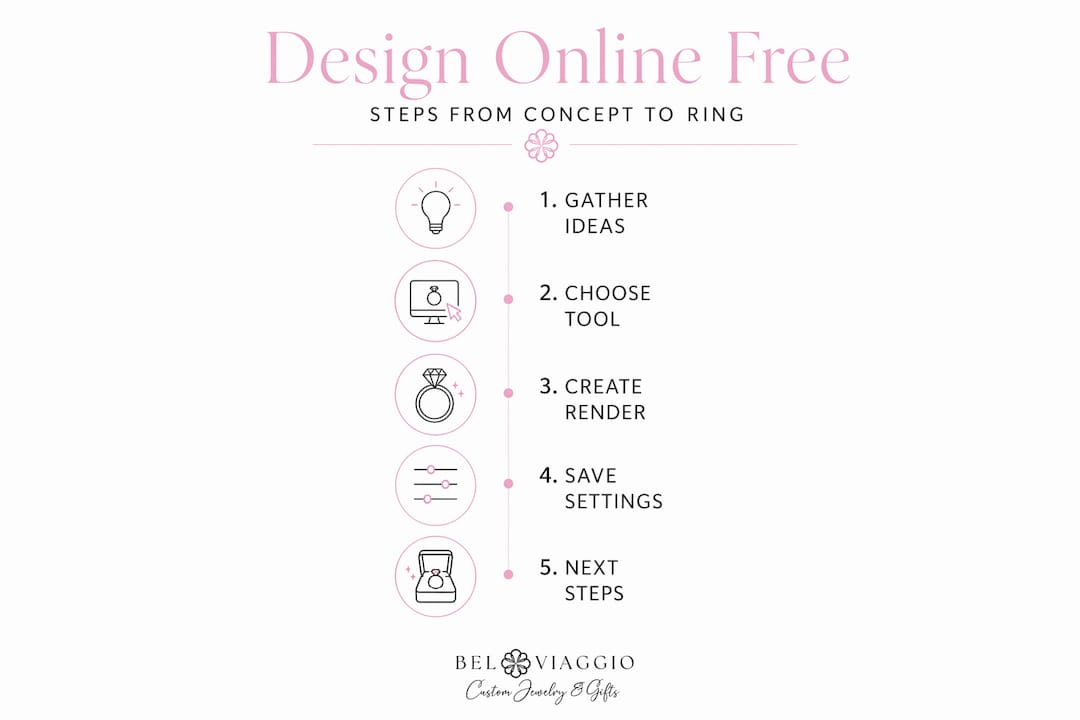
For rings with fine detail, advanced bench technologies support customizations like delicate engravings with minimal distortion, matching detailed customer designs. The more clearly you communicate your design intent, the better your jeweler can execute it precisely.
My honest take on designing rings online
I have worked with enough custom ring clients to say this plainly: the single biggest thing that derails a ring design is too many options too early. When someone sits down with a free ring creator tool and starts clicking through every possible combination, they often land somewhere generic. The rings that turn out stunning are the ones where the person started with a clear sense of one or two things that genuinely mattered to them.
I have seen clients come in with a beautifully rendered AI concept and say, “I changed the metal twelve times and I still do not know what I want.” That is tool fatigue, not design clarity. My advice is always to go back to the person, not the tool. What does the recipient actually wear every day? What metals are already in their jewelry box? What is their lifestyle? Those answers narrow your choices faster than any configurator can.
What I truly love about the current generation of online jewelry design free tools is how well they serve communication. A client who shows up with a rendered image and a labeled spec sheet is an absolute pleasure to work with. There is no ambiguity. The custom ring guide I point people toward reinforces this: the design conversation becomes a refinement, not a reinvention.
The trend toward quiet luxury in ring design that favors classic bases with personal touches over bold statement pieces is not just an aesthetic preference. It is practical wisdom. Authenticity and craftsmanship matter more than attention-grabbing elements, and a ring worn every day for decades will prove that right.
— Stacy
Ready to bring your design to life?
Once your design concept is solid, the next move is finding a maker who can execute it at the quality your vision deserves. Belviaggiodesigns specializes in exactly this: handcrafted, ethically sourced custom rings built to last, backed by a lifetime warranty on every piece.
Whether your free design session pointed you toward a striking black diamond halo ring or something entirely your own, Belviaggiodesigns offers professional custom design consultations that take your render from screen to reality. The team works with your exported design files, walks you through stone sourcing options including lab-grown diamonds and moissanite, and produces a CAD model for your approval before a single piece of metal is cast. Explore the custom ring collections and see what ethical luxury looks like when it is made specifically for you.
FAQ
Can I truly design a ring online for free?
Yes. Multiple platforms offer free AI ring design tools with no credit card required, generating photorealistic renders from text prompts or guided menus at no cost.
Do free online ring design tools produce files I can send to a jeweler?
Free tools produce visual renders and specification summaries, not manufacturing-ready CAD files. You will need a professional CAD artist to convert your design into production files.
How long does it take to design a ring using a free tool?
Most people complete a satisfying custom design concept in 15 to 30 minutes. AI tools can generate initial renders in under 60 seconds, with refinement taking the bulk of the session.
What is the difference between a 3D configurator and an AI ring generator?
A 3D configurator lets you select from preset options through menus. An AI generator creates designs from open-ended text prompts. Both are free, but AI generators offer more variation while configurators give more structural control.
Will the ring look exactly like the online preview when it is made?
Not necessarily. Renders are idealized visualizations. Factors like exact stone cut, metal finish, and hand proportions affect the final piece. A wax or resin prototype from a CAD file gives you a far more accurate preview before production.
Recommended
- Custom ring guide: step-by-step ethical luxury (2026) – Bel Viaggio Designs, LLC
- Best Place to Buy Diamond Rings Online in 2026 – Bel Viaggio Designs, LLC
- Step-by-step ethical engagement ring workflow 2026 – Bel Viaggio Designs, LLC
- Engagement Ring Finding the Perfect One - Bel Viaggio – Bel Viaggio Designs, LLC