

TL;DR:
- Virtual engagement ring try-on uses AI technology to quickly generate photorealistic previews by placing ring images onto photos of your hand. It supports a wide range of styles and shapes, but requires a high-quality, well-lit hand photo and accurate sizing confirmation before purchase. Combining virtual try-on with physical measurement and jeweler consultation ensures a confident, data-supported ring selection process.
Virtual engagement ring try-on is a digital technology that lets you place any ring style directly onto a photo of your own hand, generating a photorealistic preview in seconds without downloading software or creating an account. Platforms like Designkit and PhotoGPT have made this process browser-based and free to try, removing every barrier that once made online ring shopping feel like a gamble. The result is a confident, data-supported purchase decision you can make from your kitchen table. This guide walks you through exactly how to use these tools, what to prepare, how sizing works, and how to get the most realistic results possible.
What you need for a virtual engagement ring try-on session
Before you open any platform, two things determine the quality of your results: the photo of your hand and the image of the ring you want to test. Getting both right takes less than five minutes and makes every render dramatically more accurate.
What to gather before you start:
- A clear, well-lit photo of your hand with fingers relaxed and slightly spread
- Ring images saved as JPG or PNG files (screenshots from any jeweler’s website work fine)
- A device with a browser, since most tools are browser-based and require no installation
- Natural daylight near a window for your hand photo (more on why this matters below)
Lighting conditions critically affect realism. Natural daylight near a window is the single most important factor for accurate skin tone and shadow detection. Artificial indoor lighting creates unnatural color casts that reduce AI accuracy and make the final render look staged rather than real.
Popular platforms to consider:
| Platform | Free Trial | Login Required | Ring Style Database |
|---|---|---|---|
| Designkit | Yes | No | Large catalog + upload |
| PhotoGPT | Yes | No | Upload your own images |
| Nanomaker | Yes | No | Upload your own images |
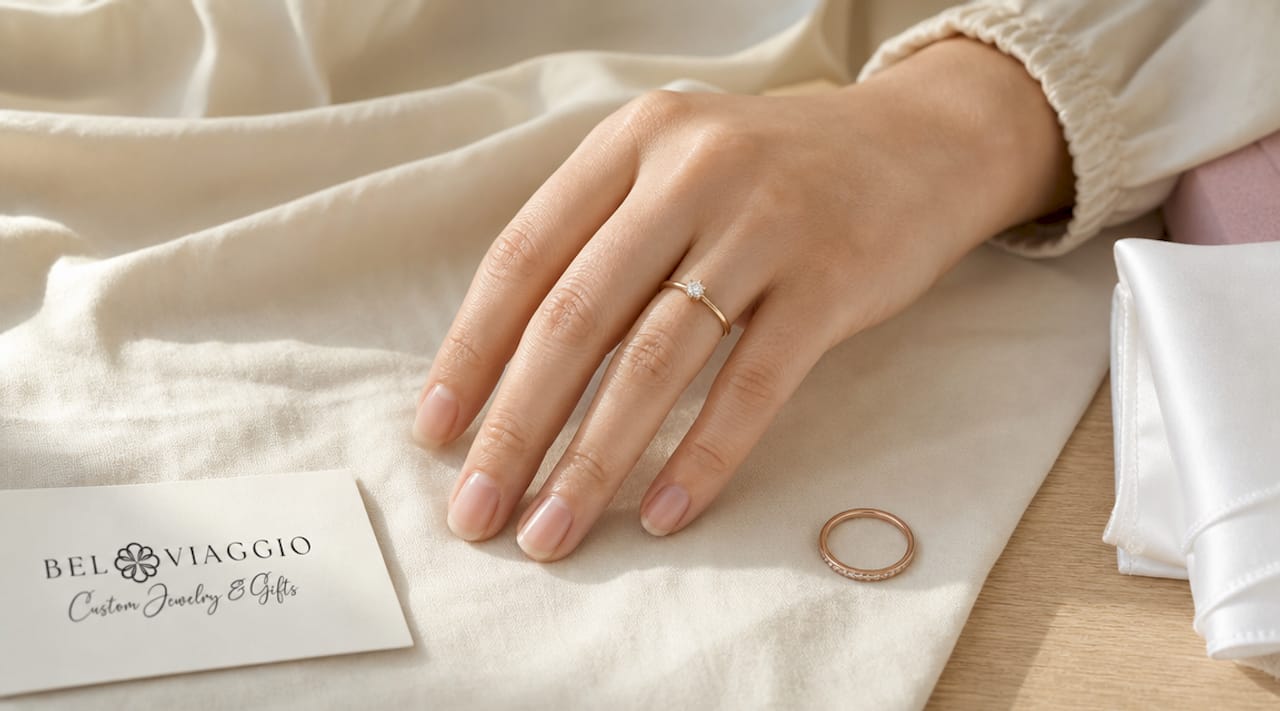
Pro Tip: Take your hand photo against a neutral background like a white table or light gray surface. This gives the AI a clean contrast reference and produces sharper, more realistic ring placement.
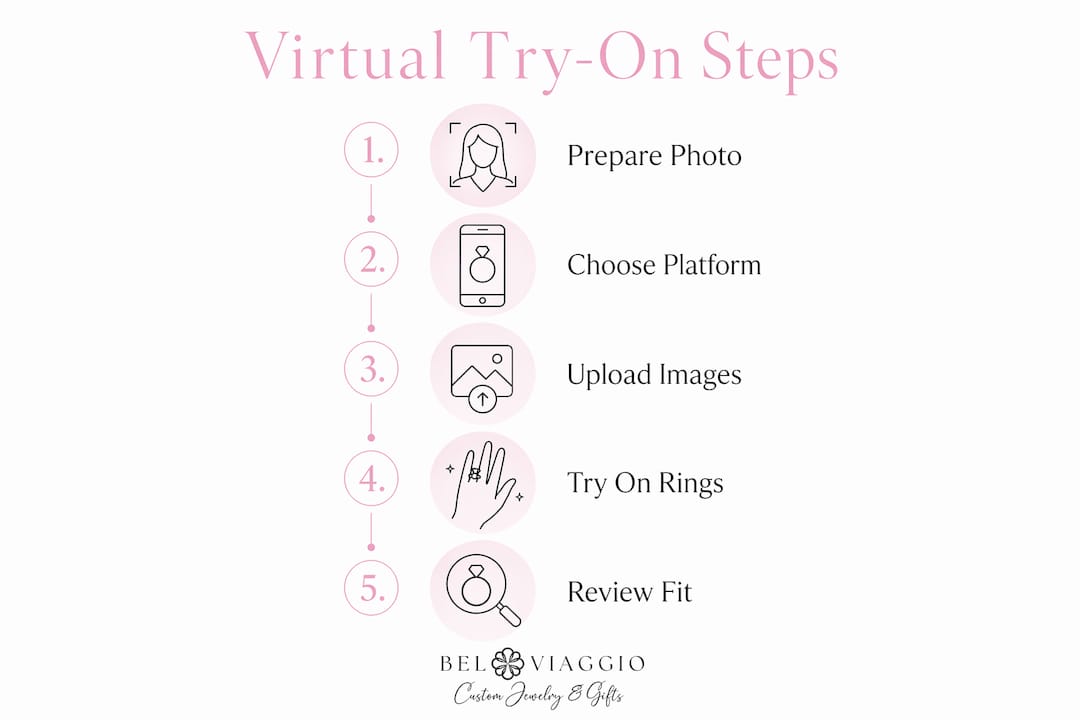
Once you have your hand photo and ring images ready, the actual try-on process takes under a minute per ring. That speed is what makes comparing multiple styles across an afternoon genuinely practical rather than tedious.
How to virtually try on an engagement ring step by step
The process is straightforward across most platforms. Here is the exact sequence from start to rendered result:
- Open your chosen platform in any browser. No account creation is required on Designkit or PhotoGPT.
- Upload your hand photo. Select the JPG or PNG file you prepared. The AI reads finger proportions, skin tone, and lighting automatically.
- Upload or select the ring image. Either choose from the platform’s built-in catalog or upload a product photo from any jeweler’s website.
- Let the AI process. The tool positions and scales the ring onto your finger in seconds, adjusting for finger width and length.
- Review and adjust. Some platforms let you reposition the ring manually or switch between finger placements.
- Save or share the render. Download the image to compare later or send it to a partner or trusted friend for feedback.
| Step | Action | Approximate time |
|---|---|---|
| 1. Platform setup | Open browser, no login | 30 seconds |
| 2. Upload hand photo | Select file from device | 15 seconds |
| 3. Upload ring image | Select or upload ring photo | 15 seconds |
| 4. AI processing | Automatic render generation | 10 to 30 seconds |
| 5. Review and adjust | Reposition or tweak placement | 1 to 2 minutes |
| 6. Save and share | Download or share render | 15 seconds |
If your render looks off, the most common causes are a blurry hand photo, harsh artificial lighting, or a ring image with a busy background. Re-shooting your hand photo in better light solves the majority of quality issues immediately.
Pro Tip: Use the exact same hand photo for every ring you test. Consistent hand photos isolate the ring as the only variable, giving you a true side-by-side comparison of how different styles and carat sizes actually look on your specific hand.
How do virtual ring try-on tools estimate ring size?
Ring sizing is where virtual tools are genuinely useful but also genuinely limited. Understanding the difference protects you from ordering the wrong size.
AI-based sizing estimation works within approximately plus or minus half a ring size, using one of three methods: finger-on-screen calibration (you place your finger against a reference object on screen), anthropometric estimation (the AI measures finger proportions from your photo), or uploaded ring measurements (you input the inner diameter of a ring you already own and wear comfortably).
Half a size sounds small, but on a finger it translates to a ring that either slips off or requires force to remove. Virtual sizing complements physical measurement rather than replacing it. Use the virtual estimate to narrow your range, then confirm with a physical method before ordering.
Sizing do’s and don’ts:
- Do use virtual sizing to identify whether you are likely a size 6, 7, or 8 before visiting a jeweler
- Do pair your virtual estimate with a printable ring sizer for at-home confirmation
- Do measure your finger at the end of the day when fingers are slightly larger
- Don’t rely on virtual sizing alone for a final purchase decision
- Don’t measure when your hands are cold, since fingers shrink in cold temperatures
- Don’t skip a jeweler consultation if the ring has a complex band that fits differently than a standard round shank
Pro Tip: If you are buying a surprise ring, look for a ring the person already wears on their ring finger and measure its inner diameter with a ruler. This gives you a far more accurate starting point than any screen-based estimation.
What rings and styles can I realistically try on virtually?
The range of styles supported by current AI tools is broader than most shoppers expect. AI-driven tools support all common diamond shapes and adapt the visualization to finger length, hand type, and skin tone for accurate appearance.
Diamond shapes you can preview:
- Round brilliant
- Oval
- Princess (square)
- Cushion
- Emerald cut
- Pear
- Marquise
- Radiant
Settings and band styles:
- Solitaire
- Halo
- Three-stone
- Pavé
- Cathedral
Metal types including yellow gold, white gold, rose gold, and platinum all render distinctly, and colored gemstone rings like sapphire, emerald, and aquamarine work just as well as diamond styles. You are not limited to any platform’s catalog. Because you can upload any product image from any jeweler’s website, the style database is effectively unlimited. A unique tourmaline or emerald ring from an independent designer renders just as accurately as a standard solitaire from a major retailer.
One detail worth knowing: the AI adapts its scaling to your specific finger proportions. An elongated oval that looks oversized on a model with long, slender fingers may look perfectly balanced on a shorter, wider finger. This proportional adjustment is one of the strongest arguments for using your own hand photo rather than relying on a model image from a jeweler’s website.
Tips to get the most realistic virtual try-on results
The difference between a render that genuinely helps you decide and one that leaves you uncertain almost always comes down to photo quality and consistency.
Natural daylight near a window produces the most accurate skin tone and shadow detection. Shoot your hand photo between 9 a.m. and 3 p.m. when light is bright but not harsh. Avoid direct sunlight, which creates strong shadows that confuse the AI’s depth detection.
Keep your hand relaxed and flat, with fingers slightly spread. A tense or curled hand creates unnatural shadows across the knuckles that distort ring placement. Shoot from directly above the back of your hand, not at an angle, for the most accurate carat size representation.
Sharing your renders with a partner or trusted friend adds a layer of perspective you cannot get alone. Virtual try-on serves as a collaborative tool for couples, allowing preference gathering without revealing the proposal surprise. You can share renders and ask “which of these do you prefer?” without ever mentioning a specific ring or purchase timeline.
Virtual try-on does not replace the experience of holding a ring in your hand or seeing how it catches light in different environments. Use it to eliminate styles that clearly do not suit your hand and to narrow your shortlist to two or three strong candidates before visiting a jeweler or placing an order.
Virtual try-on reduces purchase anxiety by transforming ring shopping from guesswork into a data-supported process, which also reduces returns. Shoppers who preview multiple designs before buying report significantly higher satisfaction with their final choice.
Key takeaways
Virtual engagement ring try-on works best when you combine a consistent, well-lit hand photo with physical sizing confirmation before placing your final order.
| Point | Details |
|---|---|
| Photo quality is the foundation | Natural daylight and a neutral background produce the most accurate AI renders. |
| Same photo for every ring | Using one consistent hand photo lets you compare styles and carat sizes fairly. |
| Sizing is an estimate | AI sizing is accurate within half a size but must be confirmed with a physical sizer or jeweler. |
| Style range is unlimited | Any ring image from any jeweler can be uploaded, covering all shapes and settings. |
| Use it collaboratively | Sharing renders with a partner gathers preferences without spoiling a proposal surprise. |
Why virtual try-on changed how I think about ring shopping
I have watched the engagement ring buying process shift dramatically over the past several years, and the biggest change is not the rings themselves. It is the confidence level buyers bring to the decision. Before tools like Designkit and PhotoGPT existed, shoppers either committed to an in-store visit or bought online based on a model’s hand that looked nothing like their own. Both paths produced anxiety.
What strikes me most about virtual try-on is how it handles the emotional weight of the purchase. Buying an engagement ring is one of the highest-stakes shopping decisions most people make, and the fear of choosing wrong is real. Virtual try-on democratizes luxury visualization, giving independent shoppers the same previewing power that was once limited to high-end boutiques with custom rendering software.
My honest observation after seeing many couples use this technology: it works best as a shortlisting tool, not a final decision tool. Use it to eliminate the styles that clearly do not suit your hand shape or aesthetic. Then take your top two or three candidates to a jeweler, or order from a retailer with a clear return policy. The technology is genuinely impressive, but the moment you slide a ring onto your actual finger, you will know things no render can tell you. Combine both experiences and you will make the best possible choice.
— Stacy
Explore Belviaggiodesigns’ rings before you buy

Belviaggiodesigns carries handcrafted engagement rings that are ideal candidates for virtual previewing before you commit. The Black Diamond Halo Setting at 1.75 ctw, the Green Emerald and Diamond ring at 1.87 ctw, and the Aquamarine Emerald and Pear Diamond ring each offer distinct shapes and settings worth previewing on your own hand before purchasing. Download a product photo from any Belviaggiodesigns listing, upload it to Designkit or PhotoGPT, and see exactly how it looks on your finger. Every ring is ethically sourced and available with custom sizing, so your virtual preview translates directly into a ring built for you.
FAQ
What is a virtual engagement ring try-on?
A virtual engagement ring try-on is an AI-powered tool that places a ring image onto a photo of your hand, generating a photorealistic preview in seconds. Most platforms are browser-based, free to try, and require no account or software installation.
How accurate is virtual ring try-on for sizing?
Virtual sizing estimates are accurate within approximately plus or minus half a ring size. Always confirm your final size with a physical ring sizer or a jeweler before ordering.
Can I try on rings from any jeweler virtually?
Yes. Because you upload your own ring images, you can test any product photo from any jeweler’s website. There is no catalog restriction on platforms like Designkit or PhotoGPT.
What is the best lighting for a virtual try-on hand photo?
Natural daylight near a window between 9 a.m. and 3 p.m. produces the most accurate results. Artificial indoor lighting creates color distortion that reduces the realism of the AI render.
Can virtual try-on help with a surprise proposal?
Virtual try-on is an effective tool for gathering preferences discreetly. You can share renders with mutual friends or use your partner’s existing ring photos to test styles without revealing your proposal plans.
Recommended
- Design a Ring Online Free: Your Complete 2026 Guide – Bel Viaggio Designs, LLC
- Modern Engagement Ring Elements That Define 2026 – Bel Viaggio Designs, LLC
- Ethical engagement ring buying tips for personalized 2026 – Bel Viaggio Designs, LLC
- Ethical engagement ring buying tips for personalized 2026 – Bel Viaggio Designs, LLC